Andrew Huang
Back to selected work
Planner AI shipped interface after simplification.
Planner.ai

Designing and launching an AI coaching system for follow-through

Planner AI is a live web app I designed, built, and launched in 3 months. It turns vague goals into realistic daily action and gives users a system to keep that plan alive.

Shipped

Live AI coaching product launched on the web

Timeline

Designed, built, and launched in 3 months

Early proof

50+ people clicked through to try Planner AI

Iteration gain

2x faster generation after simplifying the output

Context

Most people do not need more motivation. They need a realistic next step that fits their life and is easy to come back to tomorrow.

Users

People trying to turn vague goals into consistent follow-through

Team setup

Solo 0-to-1 build

My role

I owned product strategy, UX/UI, prompt design, prototyping, AI-assisted build, full-stack implementation, launch, and user testing.

Status quo

Before Planner AI, people had to piece together help from communities or one-off AI chats.

Key decisions
Problem

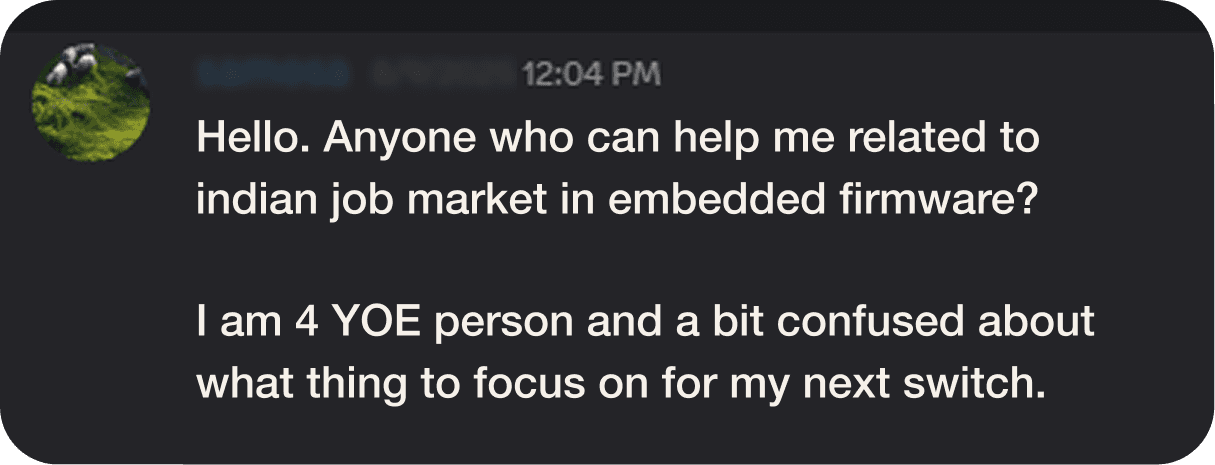
In early testing, users said the action items felt generic. They often did not want to do them, could not do them, or simply disliked them.

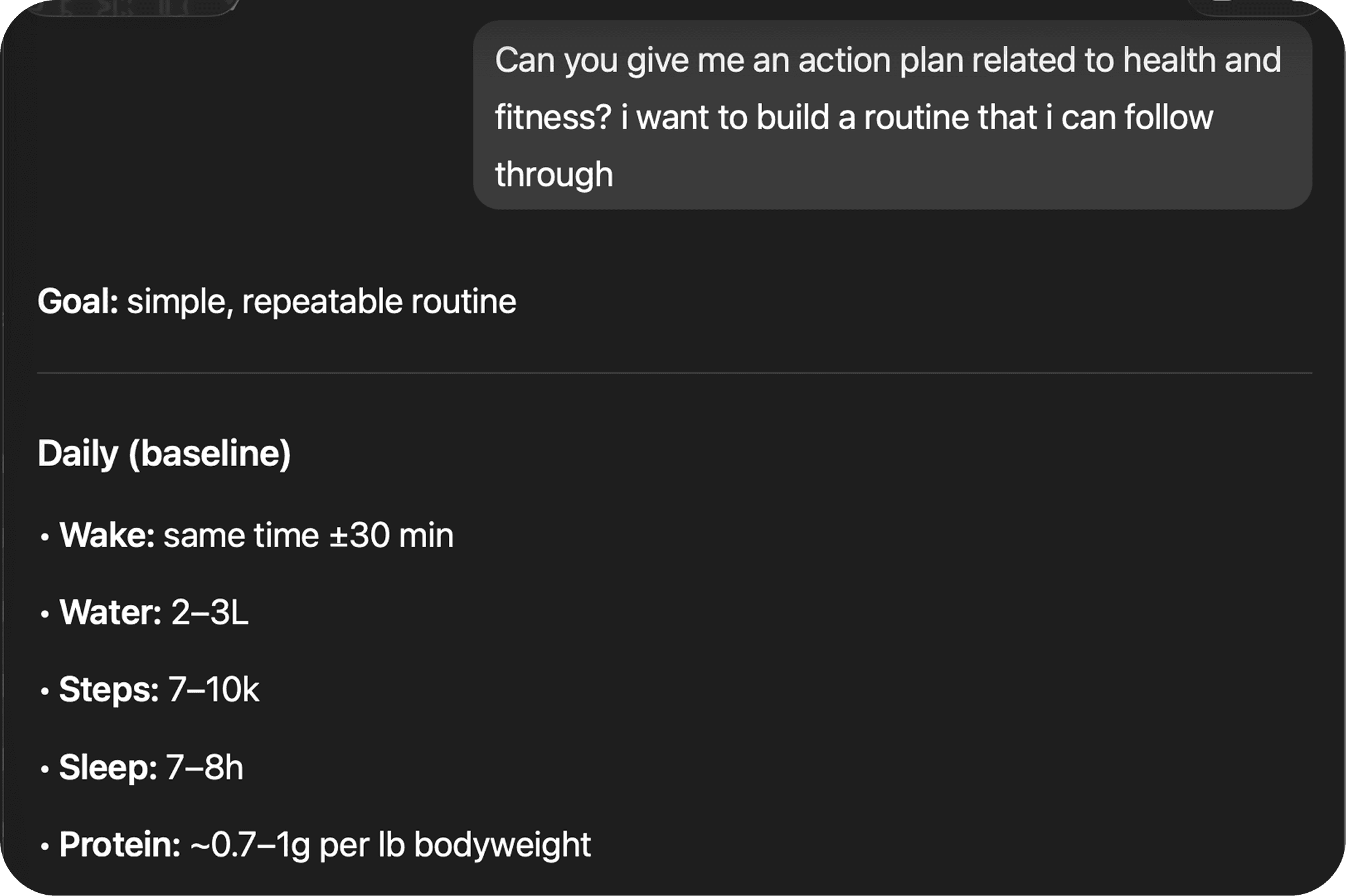
Planner AI goal input and first prompt screen.
Solution

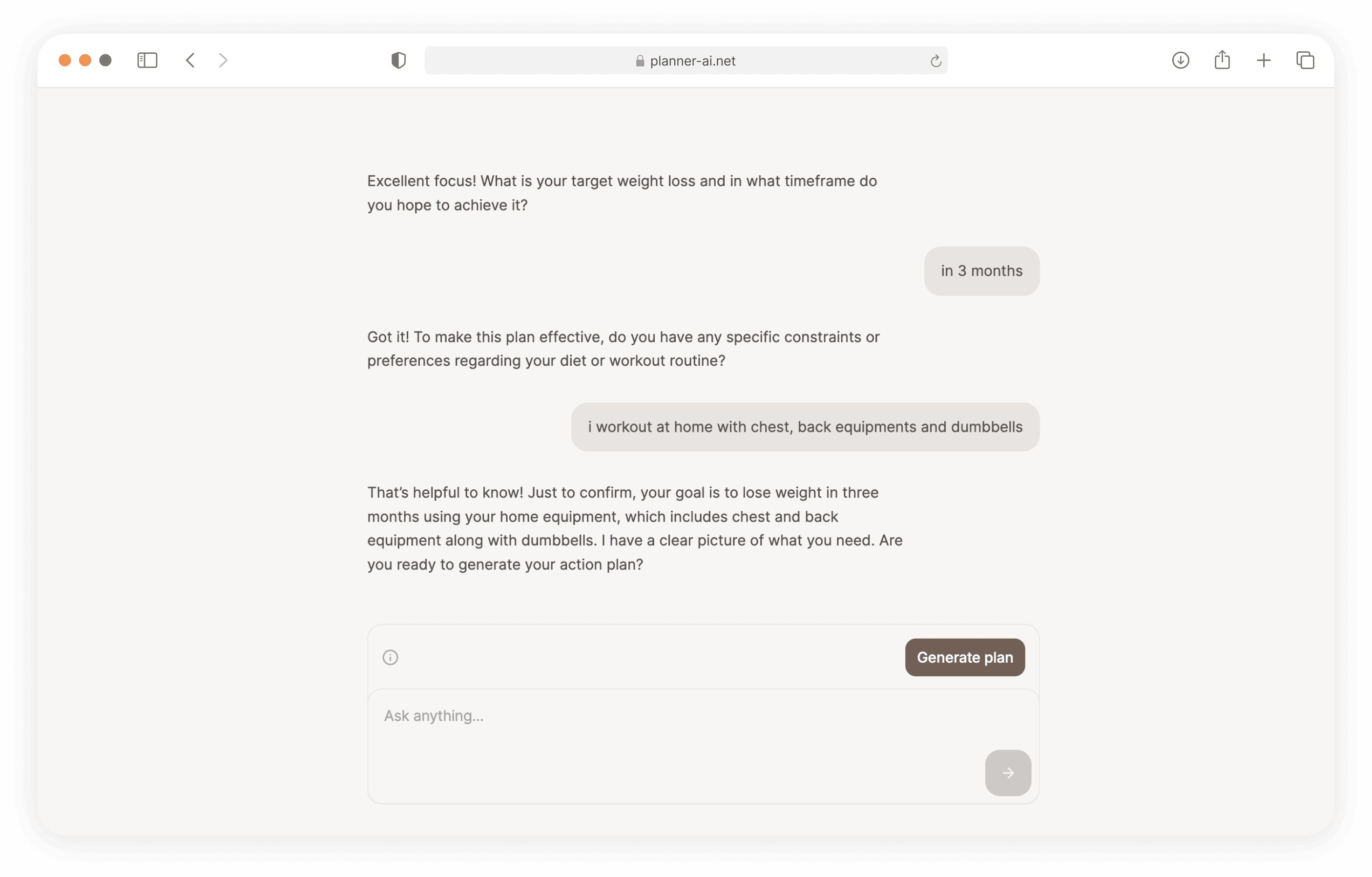
Ask a short set of coaching questions about preferences, constraints, and timeline before generating the plan.

Planner AI guided conversation and coaching questions.
Outcome

The output felt more grounded in the user’s real situation instead of sounding like generic advice.

Problem

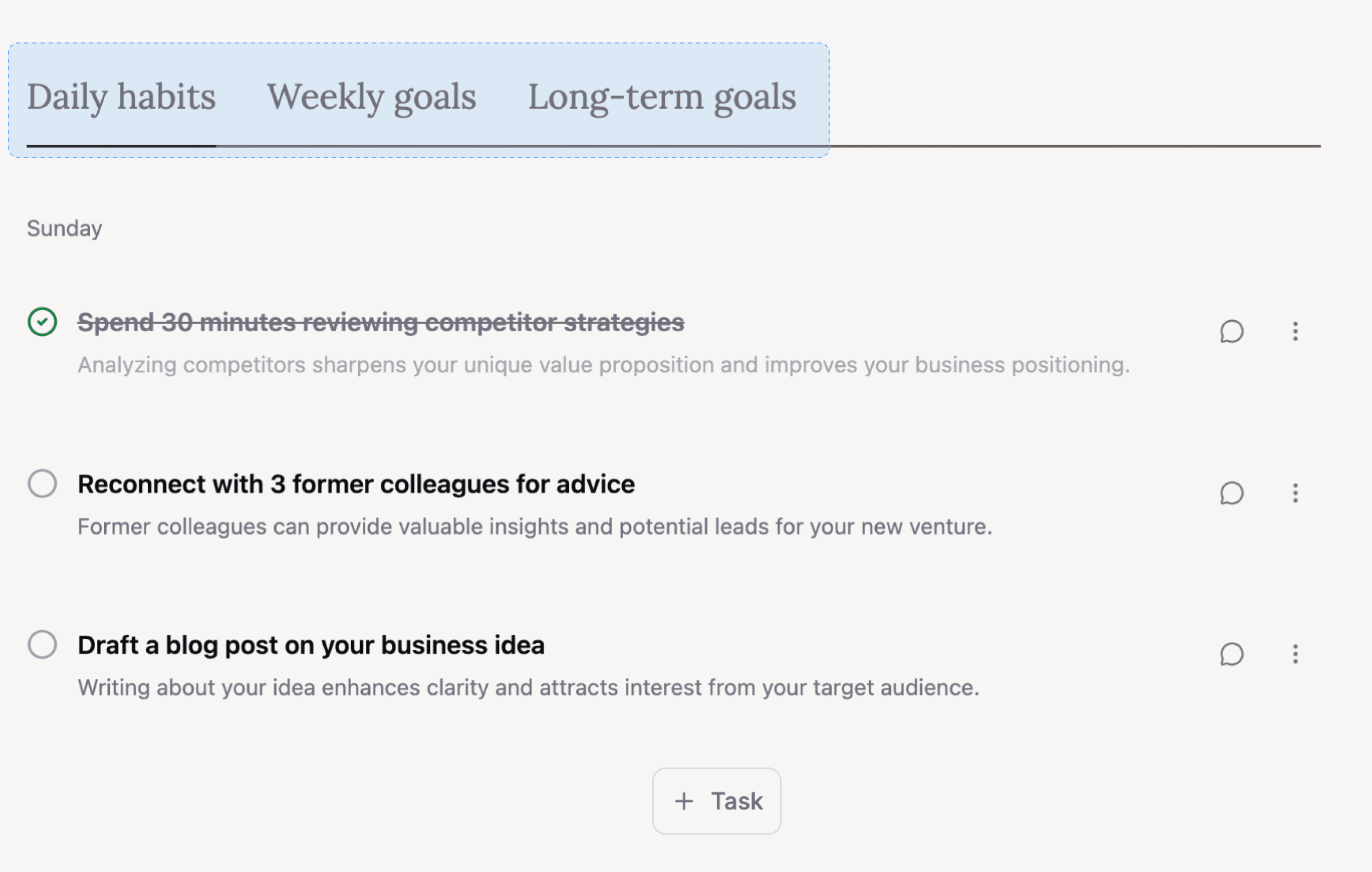
The earlier output looked comprehensive, but the extra planning layers made it harder to act and forced the AI to generate unnecessary extra content.

Early Planner AI interface with multiple planning layers.
Solution

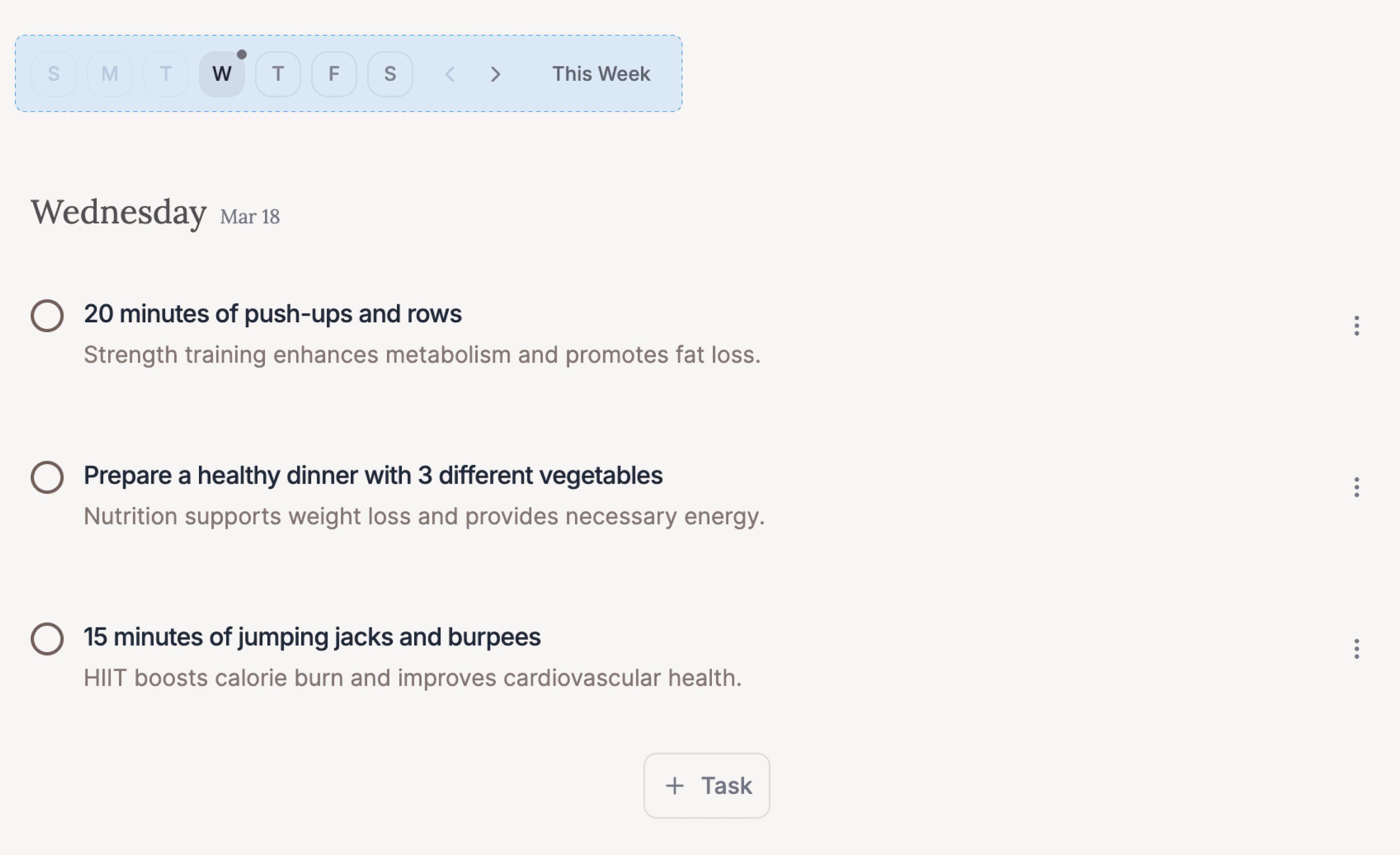
Collapse the output into one weekly plan made of concrete daily action items.

Refined Planner AI interface focused on daily action.
Outcome

Users preferred the simpler plan, and generation became roughly 2x faster because the AI only produced the daily actions they cared about.

Problem

It was hard for users to remember to come back to the Planner AI site to see their action plan and actually follow it.

Solution

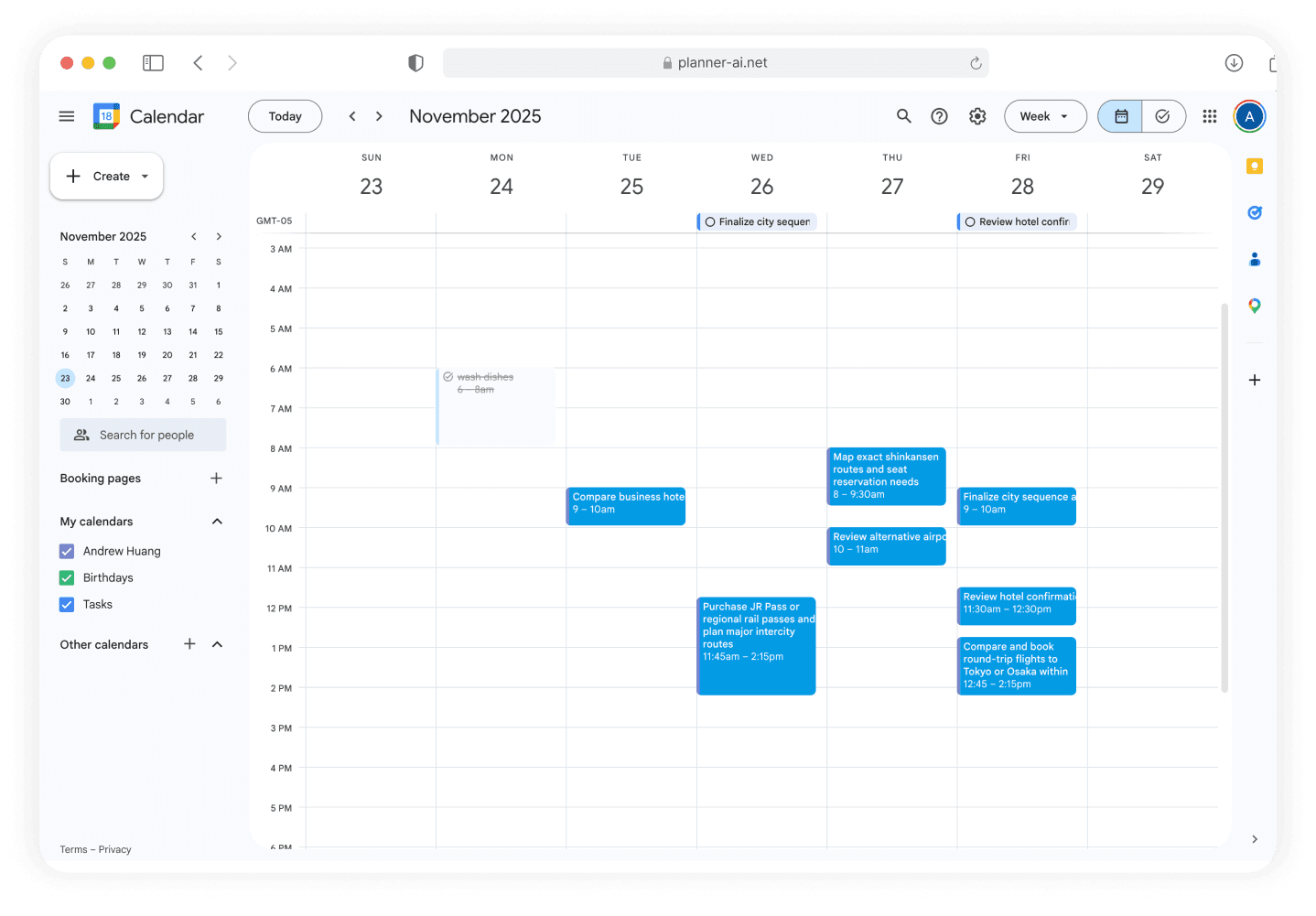
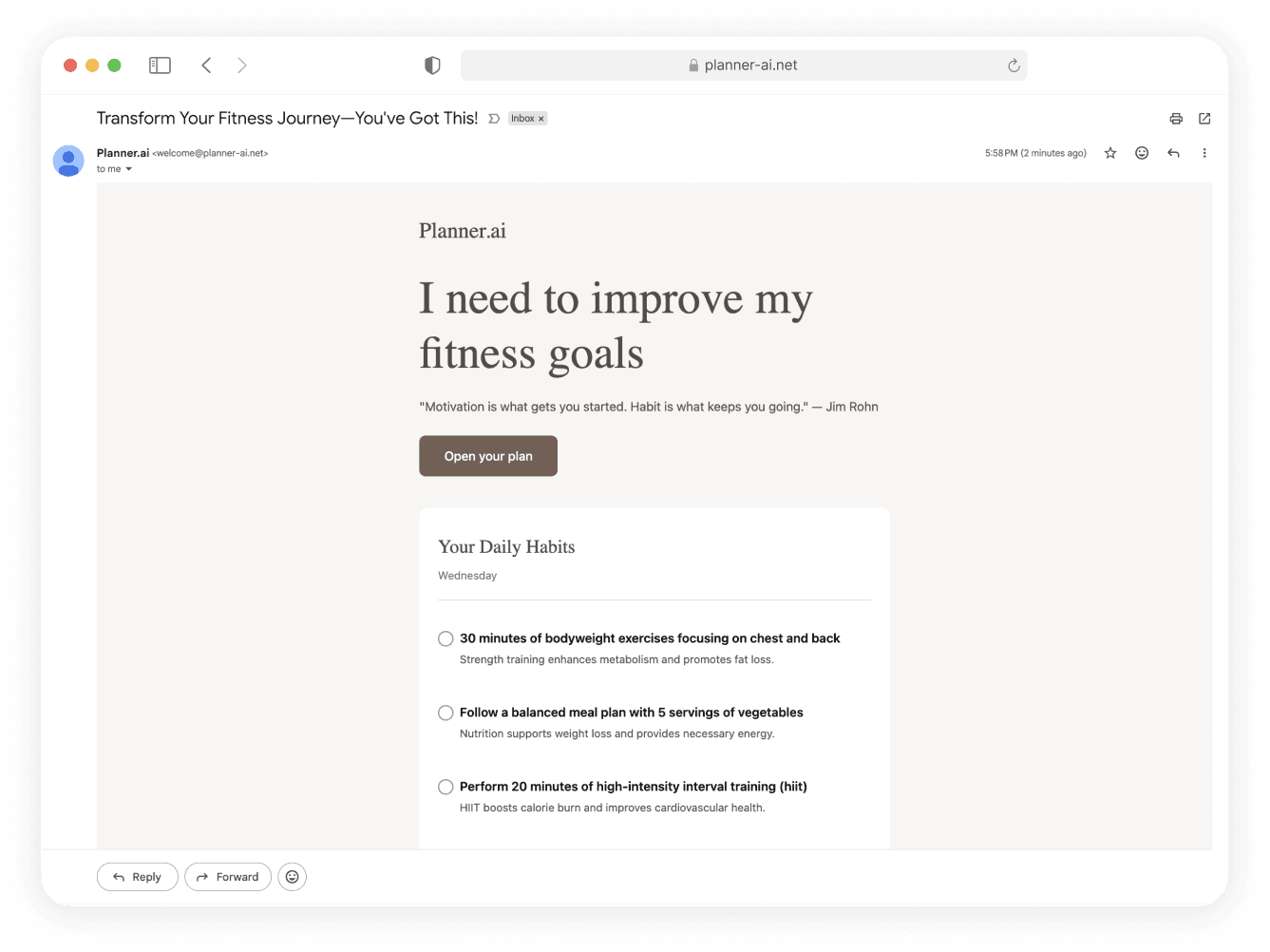
Push the plan into daily email reminders and Google Calendar instead of leaving it inside Planner AI alone.

Daily reminders
Planner AI daily reminder email.
Calendar sync
Planner AI Google Calendar sync view.
Outcome

The plan surfaced in tools users already check, making it easier to act on it and less likely to be forgotten.

Problem

Per-task chats were hard to manage and limited the AI to one action item at a time.

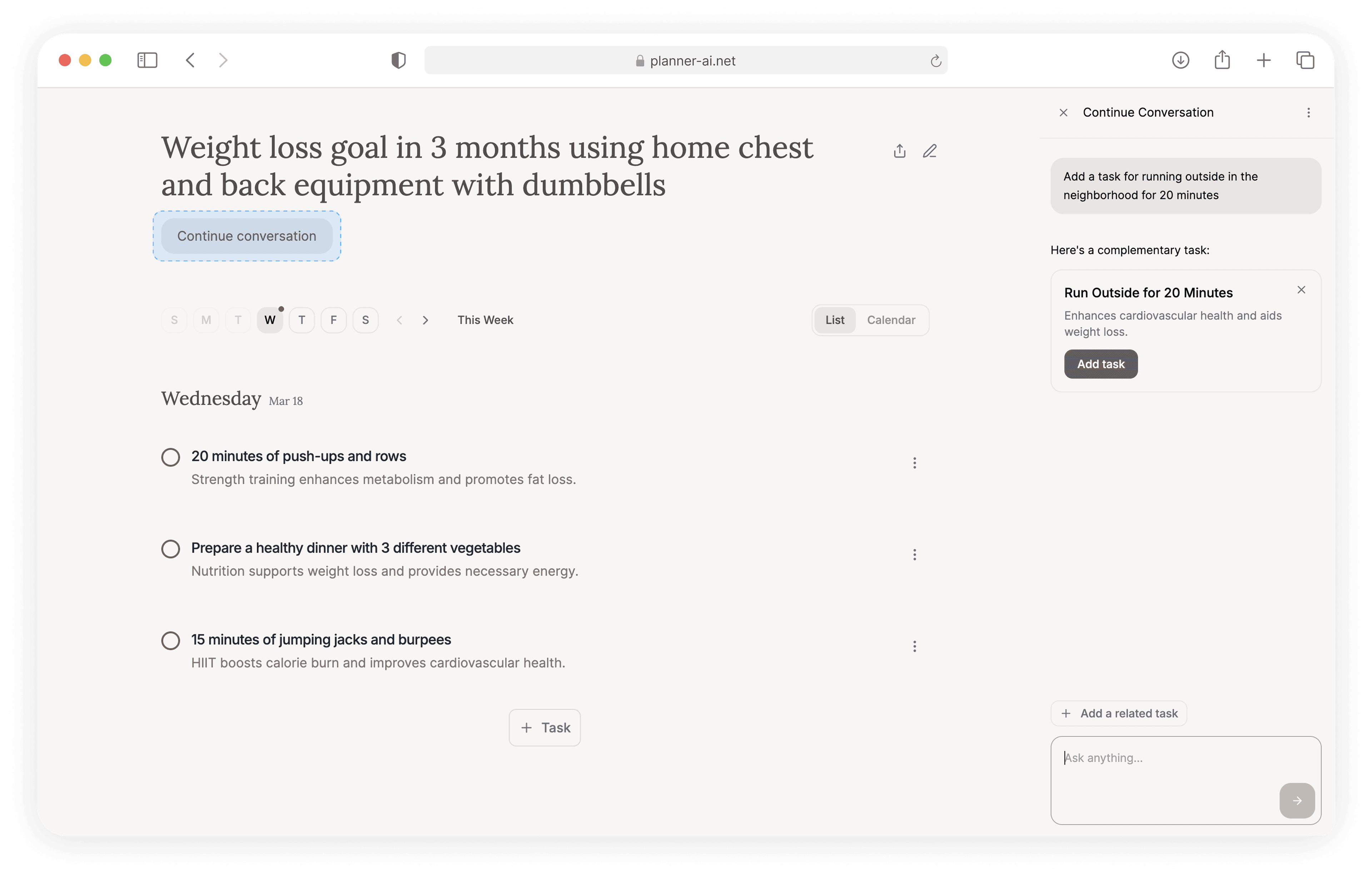
Global entry point
Planner AI plan view with continue conversation entry point.
Solution

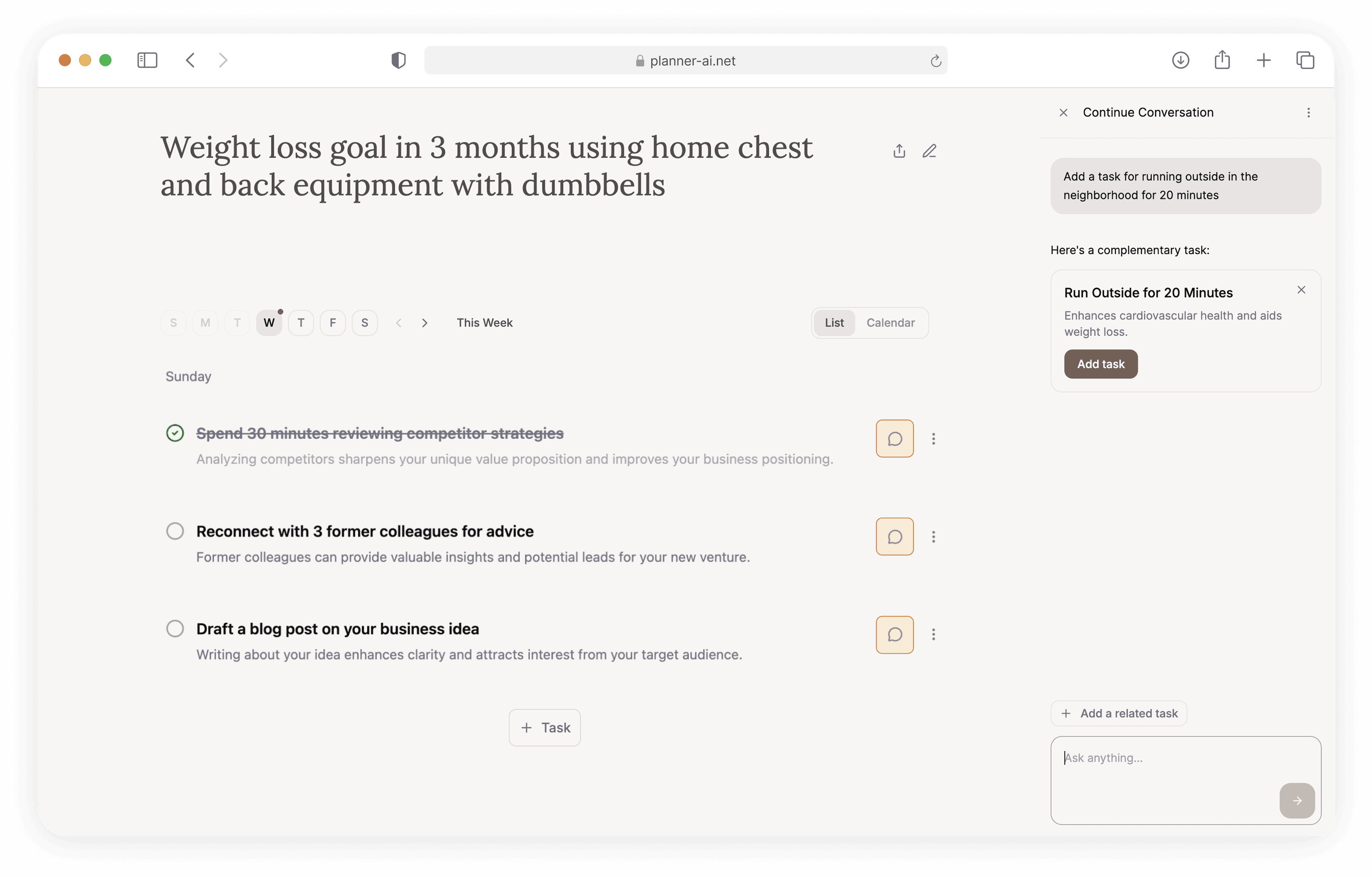
Move plan editing into one global continue conversation entry point with access to the full action plan.

Planner AI sidebar conversation with structured task proposal card.
Outcome

Users had one place to manage changes, and the AI could turn requests into structured proposal cards with full-plan context for review before applying.

Early proof

Early traction suggested the value was follow-through, not just the novelty of AI-generated plans.

Live app

Planner AI launched as a working web product

50+

people clicked through to try Planner AI after launch

2x faster

plan generation after simplifying the output

Learnings

Building with AI still required strong product judgment.

AI tools helped me move fast, but they also introduced extra structure, styling, and patterns that looked impressive without helping users. The work was deciding what was actually worth keeping.

Vibe coding let me build and test product ideas I could not have validated in static mocks alone.

Vibe coding with Figma Make made it possible to build and test real functionality behind ideas like AI tool calling, account-based storage, sharing action plans, and Google sync instead of only representing them in static mocks.