

I shipped Pixora to the App Store as a 0 → 1 product after eight weeks of weekend work.
2026 · 4 min read
Turning things people love into stickers.
Founder of Pixora
Context
I designed and launched a 0 → 1 iOS app to the App Store in eight weeks of weekend work.
Problem
People could browse millions of premade stickers, but they had no easy way to create one that felt personal.
Solution
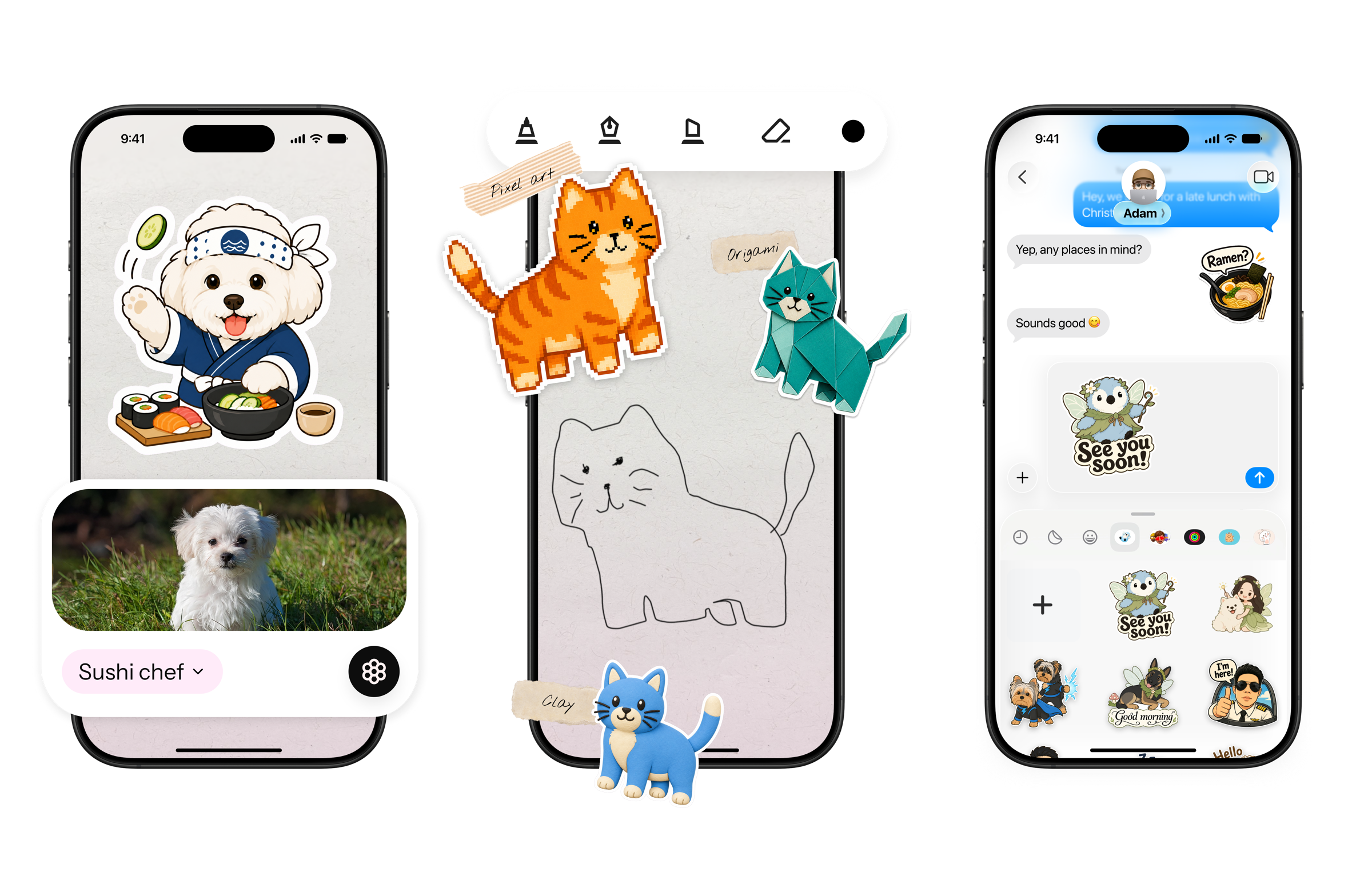
Pixora lets people turn an idea, drawing, or photo into a personalized sticker they can save, share in Messages, and explore in AR.
Iteration #1
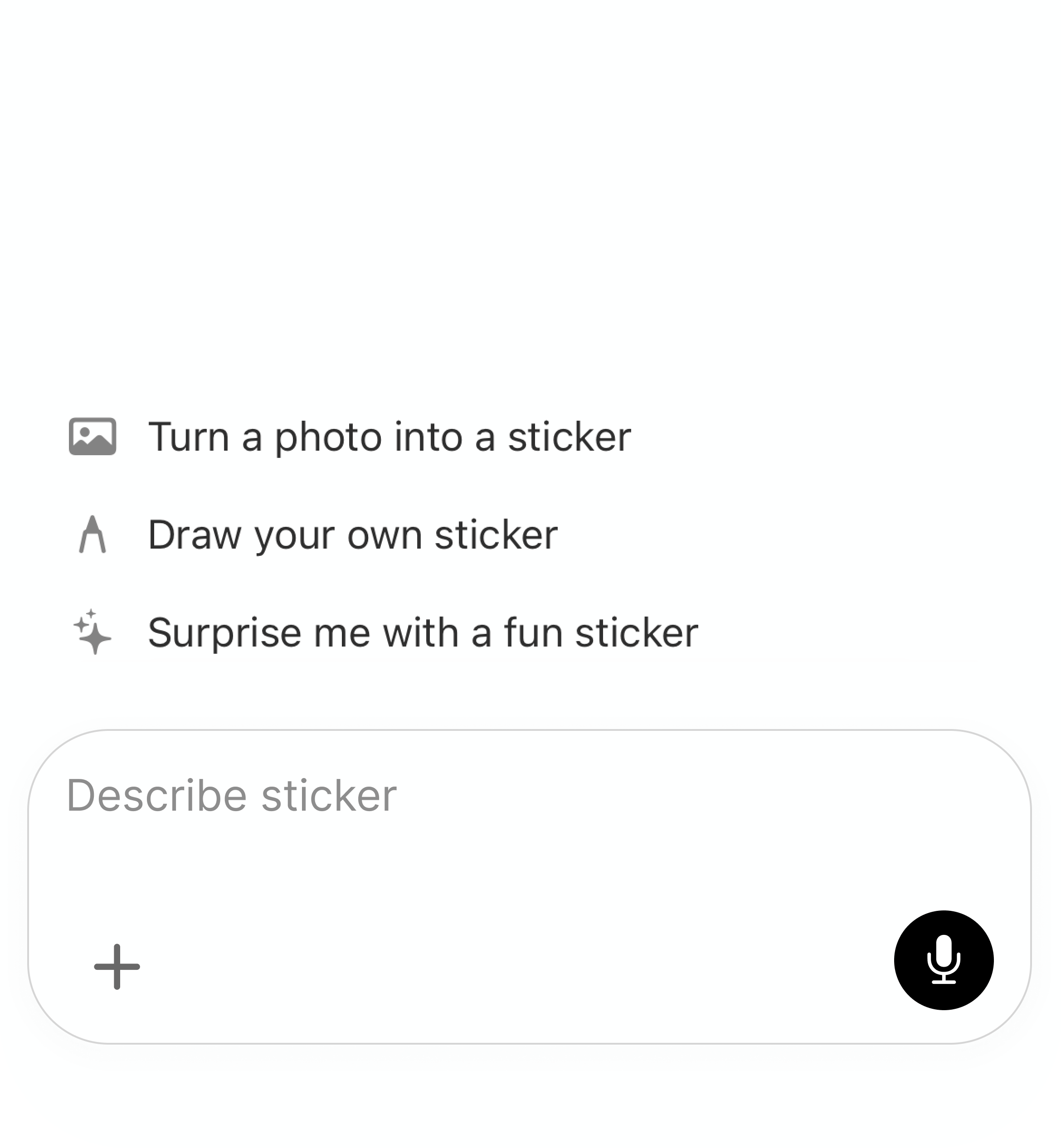
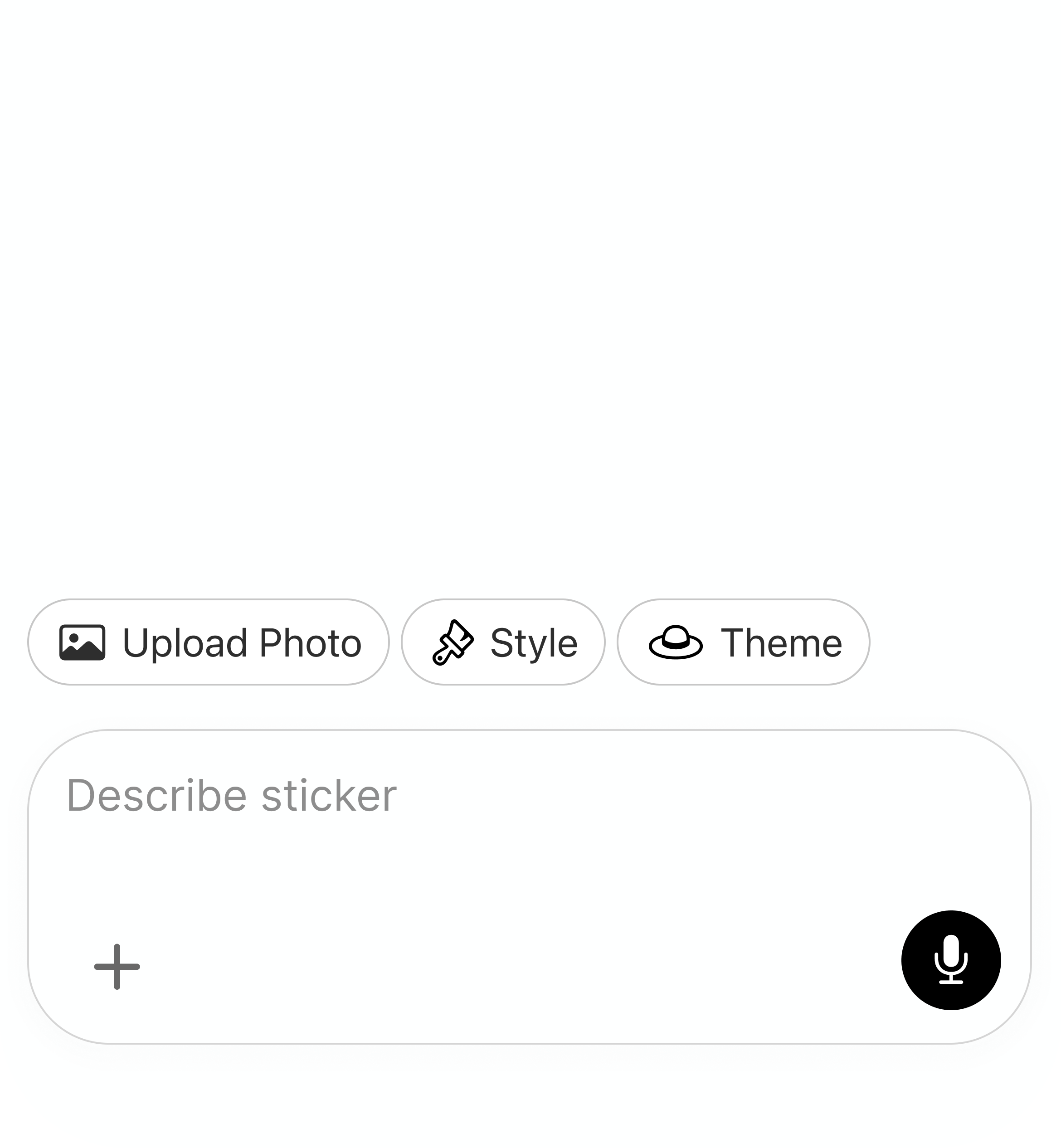
Creating a sticker was a high barrier because users had to start from scratch with a single input prompt
Explore
Giving users the ability to explore outcomes first allowed them to find something interesting before doing the work. The plan is to increase the rate at which users generate stickers they like.
Outcome
What I learned
Showing possible outcomes before asking people to create helped them form intent before writing a prompt.
What I would validate next
I would measure onboarding completion, generation-to-save conversion, repeat generation, and which starting point—photo, example, or prompt—produces the most stickers people keep.